
End of Abyss Scanner Guide: How Scanning Works and Why It Matters
End of Abyss scanner guide: dual-mode scanning — wall scans for weak points and Energy Nodes, enemy scans for the logbook — plus door tagging and codes.
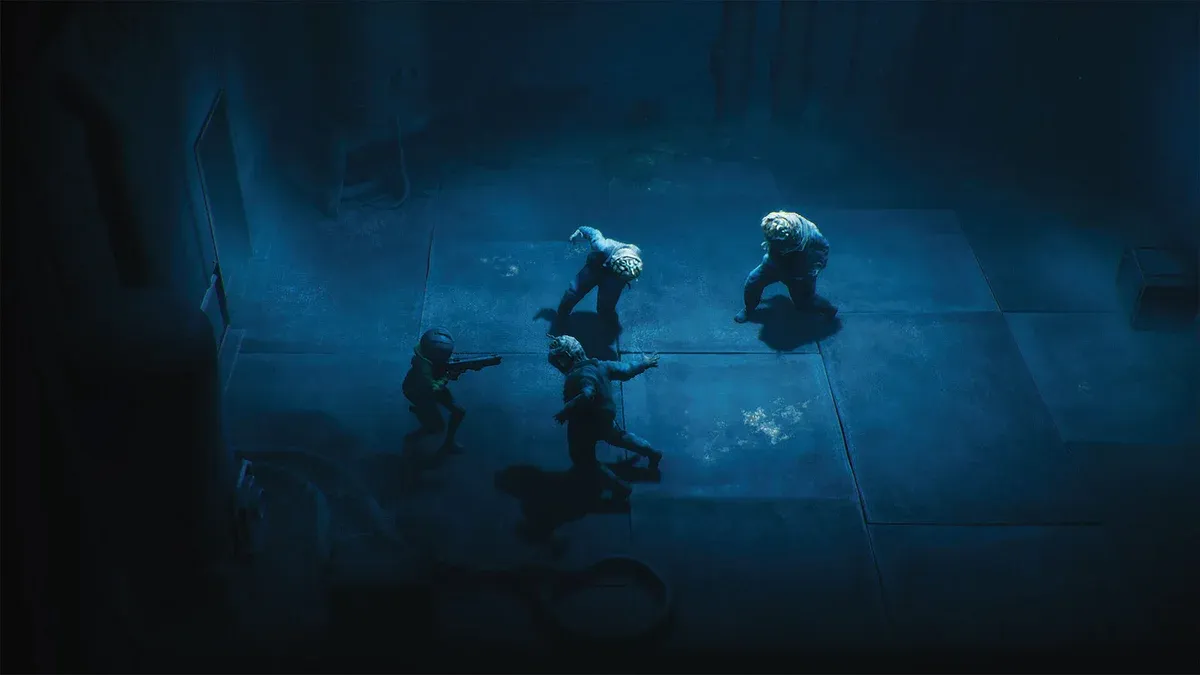
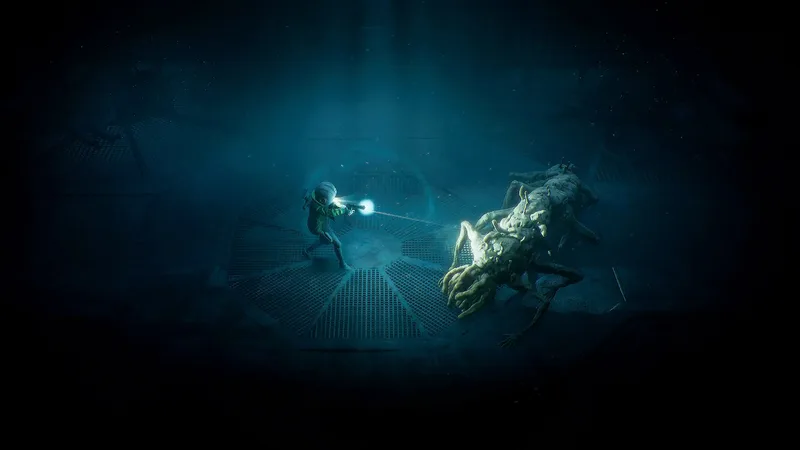
The scanner is the gadget that turns End of Abyss from a shooter into an investigation. It’s a dual-mode tool swapped on the d-pad, it draws instant Metroid Prime comparisons, and it touches nearly every system — doors, secrets, the bestiary, even cheat codes. Here’s how it works in the launch build.
What is the scanner in End of Abyss?
A dual-mode gadget that reads the world around Cel — one mode for the environment, one for creatures. It’s not a passive minimap decoration: scanning is how the game communicates its hidden layer, from the first Energy Node door in the Outer Sector to the last cheat code in the Infirmary. If you’re new overall, start with the beginner guide.
What does environment scanning reveal?
Three things, and the game is built on all of them:
- Energy Nodes — sealed doors wired to hidden nodes. Scan the walls near a locked door, follow the cables, shoot the nodes. The game’s signature lock, used from the tutorial to the Release Protocols.
- Weak points and hidden objects — the cracked walls Explosive Charges break, plus concealed interactables you’d walk straight past.
- Cheat codes — wall markings only visible while scanning. They’re invisible to the naked eye; finding them all feeds the “Cryptographer” trophy — details in cheat codes.
Pair wall-scanning with the map guide — it finds the real floor plan the game’s Metroidvania structure hides.
What does enemy scanning give you?
A logbook entry and tactical intel — every creature you scan fills the bestiary and tells you how it fights. Scans flag the threats that matter mechanically: enemies that split when damaged, targets that can’t be hurt from the front, support creatures like the Glowticks that heal the Radiation Host. How to act on the data is in the combat guide.
Does the scanner mark locked doors on the map?
Yes — automatically. Locked doors get auto-tagged, turning “where was that sealed door?” into a checklist. Backtracking is structural in this game — permanent tools like the Incinerator and Grappling Hook open floors you walked hours earlier, and door tags are how you route the return trip.
Does the scanner help when you’re stuck?
Yes — it hints when you don’t know where to go next, and Map Stations chart whole zones when scanned. The Comms Center’s Map Station is the first you’ll find — an optional interactable in the Control Room that fills in the local map. The scanner itself is also upgradeable (that’s the “Second Sight” trophy), which sharpens its range as you go. Between door tags, hints, and stations, scanning constantly is the difference between navigating and wandering.
Is scanning everything worth it?
Five trophies say yes. The logbook’s 107 entries — 42 creatures, 51 notes, 8 Data Shards, 6 codes — pay out Zoologist, Archivist, Cryptographer, Defragmented, and the all-encompassing Completionist. Bosses auto-log on defeat, NPCs have post-game catch-up spots, and nothing is missable. Scans persist through death, so codex progress never evaporates. Full checklist: logbook completion.
How does the scanner change combat?
It moves the winning decision to before the first shot: learn the threat, then pick the tool. Scan an unfamiliar creature before spending ammo on it — the entry tells you whether it’s a Pulse Gun fight or a Riot Breaker shell. Pre-scan, commit, keep flares ready for when the read comes too late.
Sources
This article was compiled with AI assistance and checked by the site operator against the sources linked on this page — it is not based on first-hand play. Last checked: 10/14/2026. Editorial policy
Related Articles
End of Abyss Fractured Being: Final Boss Strategy (Both Phases)
Fractured Being final boss guide: phase 1 melee, grab and gravity attacks, phase 2 tendrils and shockwave — plus the stagger trick that trivializes its pull.
Last checked Oct 14
End of Abyss Cheat Codes: All Codes & How the Cryptograph Works
End of Abyss has 6 scanner-hidden cheat codes activated via the Cryptograph key item — every confirmed location plus the trophy warning you must read first.
Last checked Oct 14
End of Abyss Logbook: 100% Completion Guide (All 107 Entries)
Complete End of Abyss logbook guide: all 42 creatures, 51 notes, 8 Data Shards, and 6 codes — with the scan mechanics, NPC catch-up spots, and trophies.
Last checked Oct 14
Was this helpful?
Thanks for the feedback!